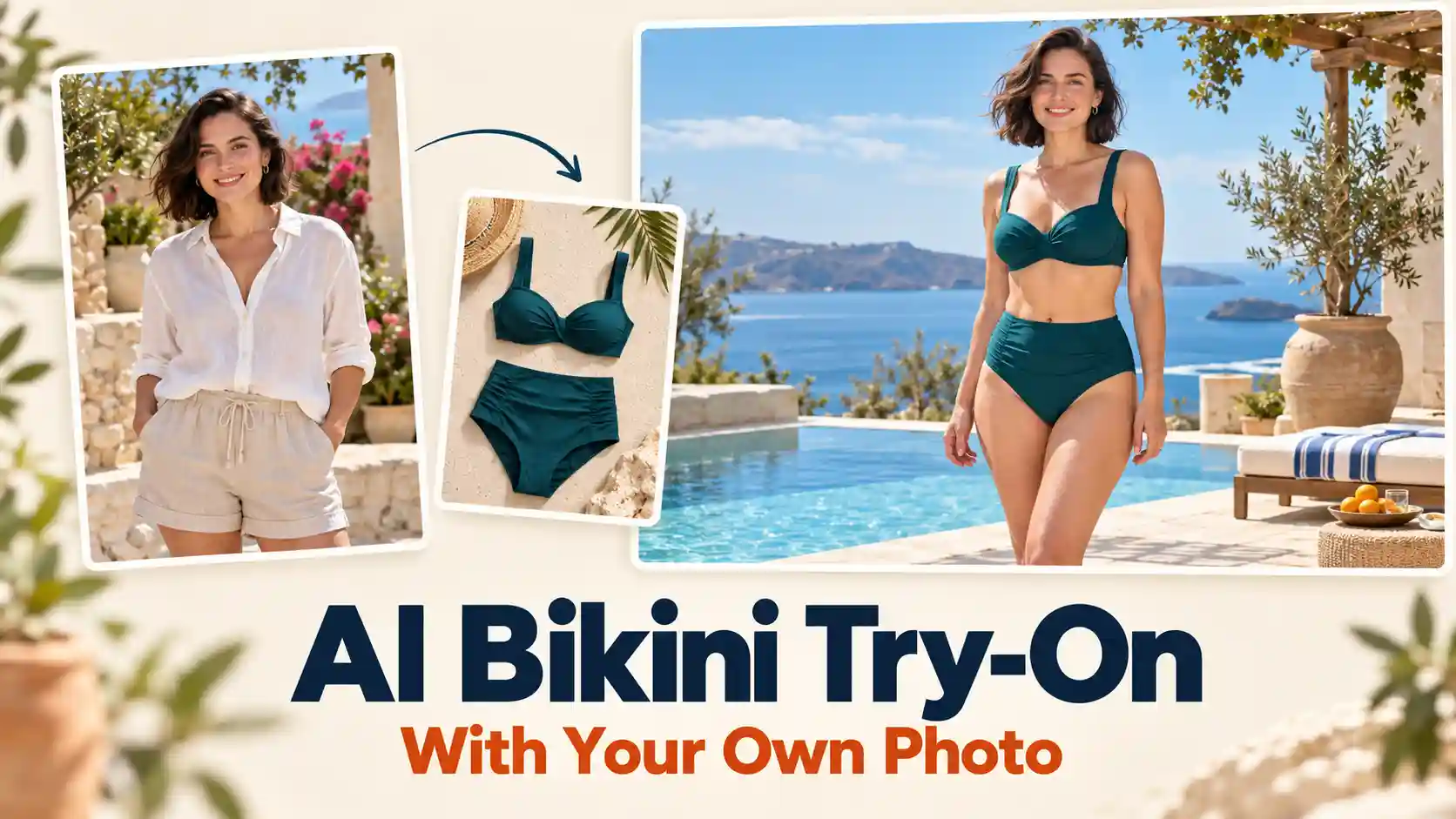
Wondering how a different swimsuit would look on you?
AI bikini try-on lets you use your own photo to preview swimwear styles, colors, and prints. Start with one clear image, then compare a few options before choosing your favorite look.
TL;DR: AI Bikini Try-on Guide
Use a clear photo of yourself with the areas you want to preview fully visible.
Keep the same photo and change one element at a time to make comparisons easier.
Treat the result as a visual style preview. It cannot confirm your size, support, or comfort.
Step 1: Upload a Photo That Clearly Shows You
Start with a clear view of you.
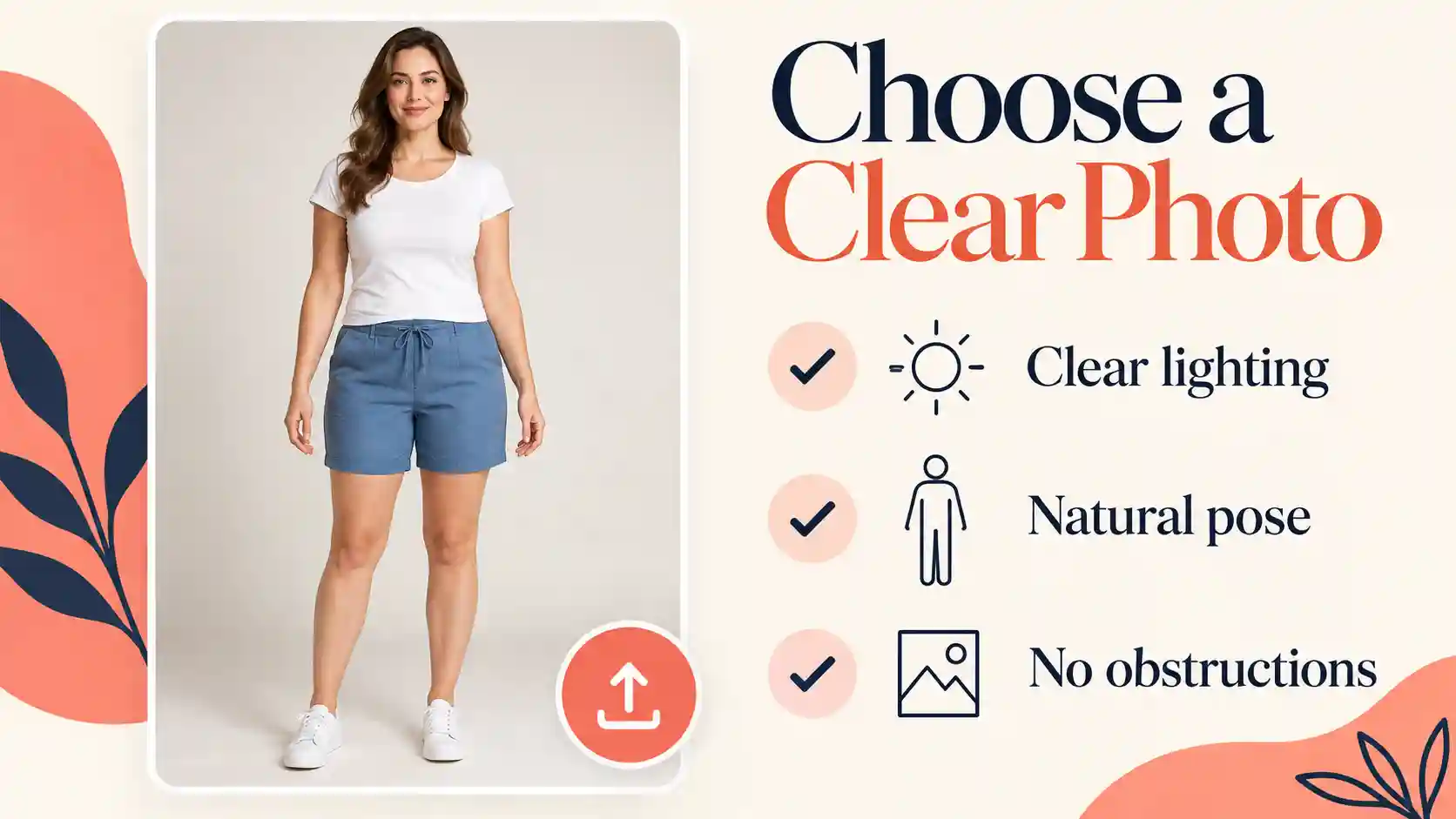
Open the AI Bikini Generator and upload your photo in the Person section. Use your own adult photo, or a photo of an adult who has explicitly agreed to the edit.
A useful starting image has:
Enough of your body visible: Include your waist and the full area where the swimsuit bottoms will appear when previewing a complete bikini.
A relaxed, clear pose: Face forward or turn slightly, with arms and accessories away from the outfit area.
Even lighting: Avoid heavy shadows, strong filters, and blurry details.
You can start with a normal clothed photo. Choose one that makes your pose easy to read, rather than one dominated by a bulky coat or large bag.
The upload field accepts JPG, PNG, and WebP files up to 10 MB.
Keep this original image as the starting point for each new style. It gives your virtual swimsuit try-on comparisons a consistent baseline.
Step 2: Choose the Swimwear You Want to Preview
Give your preview a clear starting point.
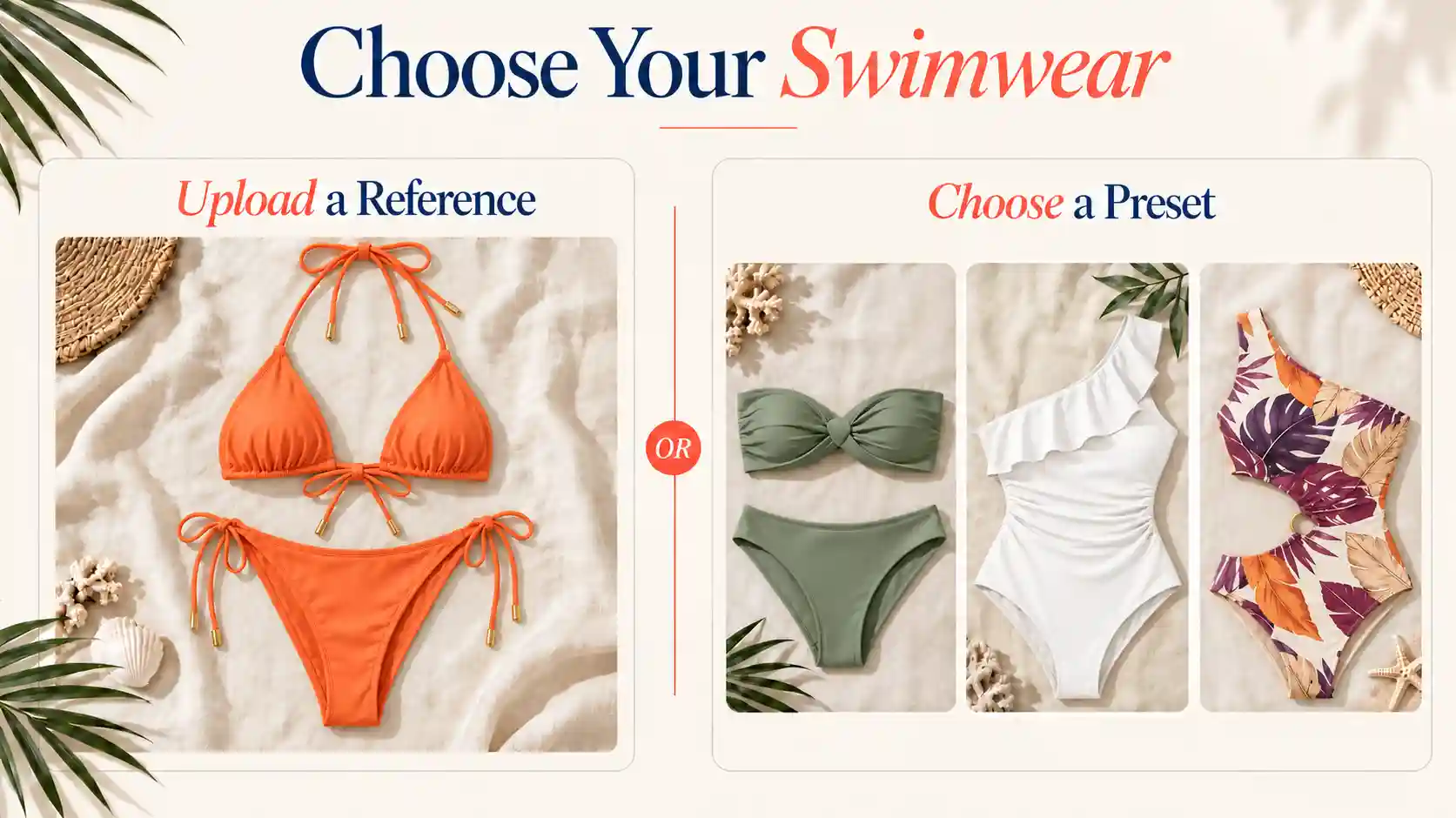
In the Bikini section, upload a product image or choose a ready-made style, depending on what you want to explore.
Upload a Swimsuit Reference
Already found a swimsuit you like?
Use a clear product image showing the complete design. Crop away shopping buttons, prices, and unrelated products so the swimsuit is easy to identify.
Check that straps, the top, and the bottoms are visible. A reference provides visual guidance, but the generated preview may still change small details such as ties, seams, or prints.
Start with a Bikini Preset
If you are exploring, choose a preset close to the cut you want. Establish the overall shape first, then use the optional prompt to request a different color or pattern.
For a useful comparison, avoid changing the swimsuit, pose, background, and lighting all at once.
Step 3: Generate Your First Bikini Try-On
Keep your first preview focused.
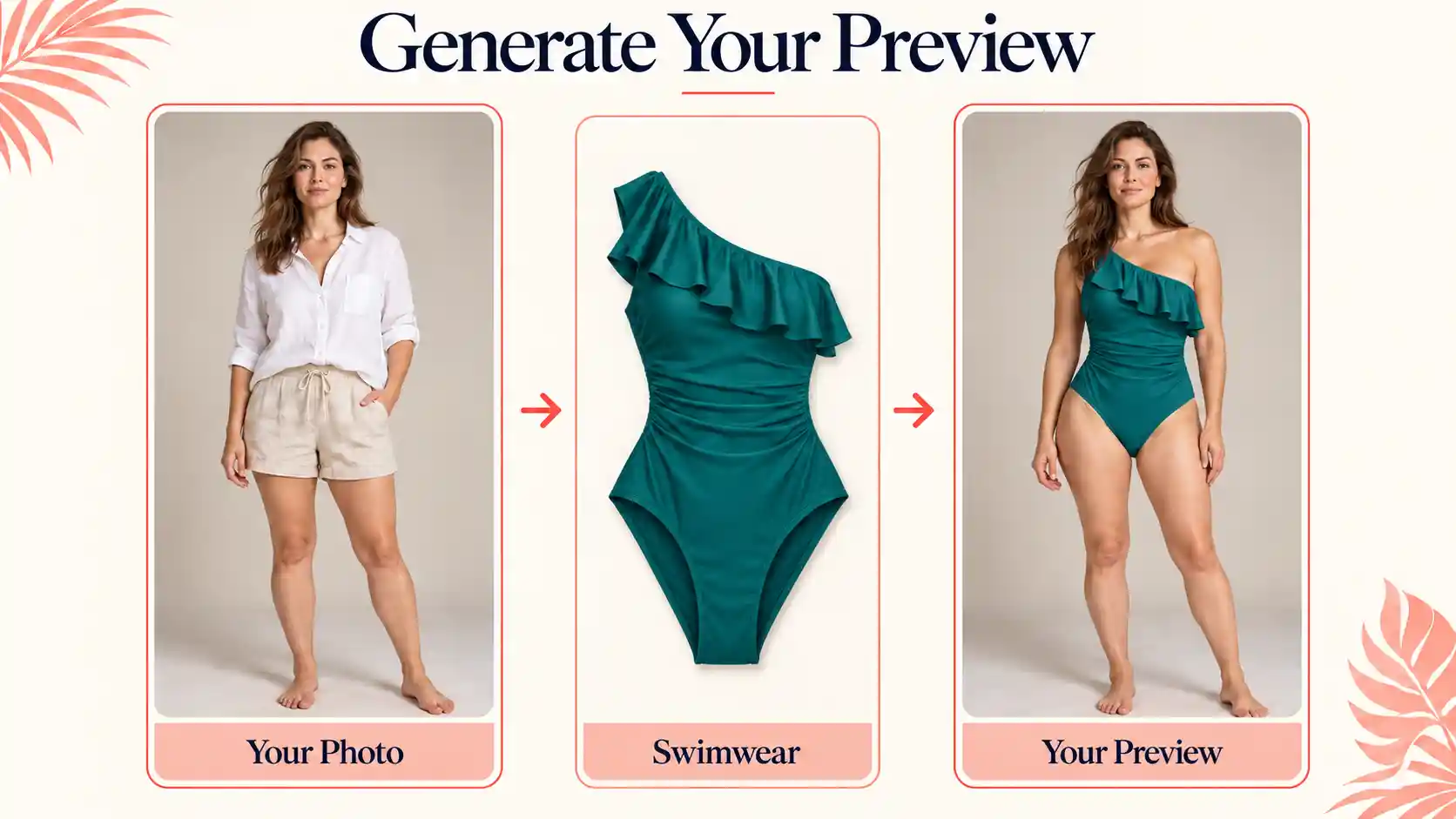
After adding your person and swimwear references, use Scene & details if you need to clarify what should change.
For your first result, keep the original setting and pose.
Try this short AI bikini try-on prompt when uploading a swimsuit reference:
Apply the swimsuit from the reference image. Keep my face, body proportions, pose, background, and lighting consistent with the original photo.
If you selected a preset, replace the first sentence with “Use the selected bikini style.” These instructions guide the edit; they do not guarantee exact preservation.
Review the available output settings and displayed credit cost, then select Generate Bikini Preview. Once the result appears, check the overall look before requesting more variations.
Step 4: Compare Styles, Colors, and Prints on the Same Photo
Change one detail to see what makes the difference.
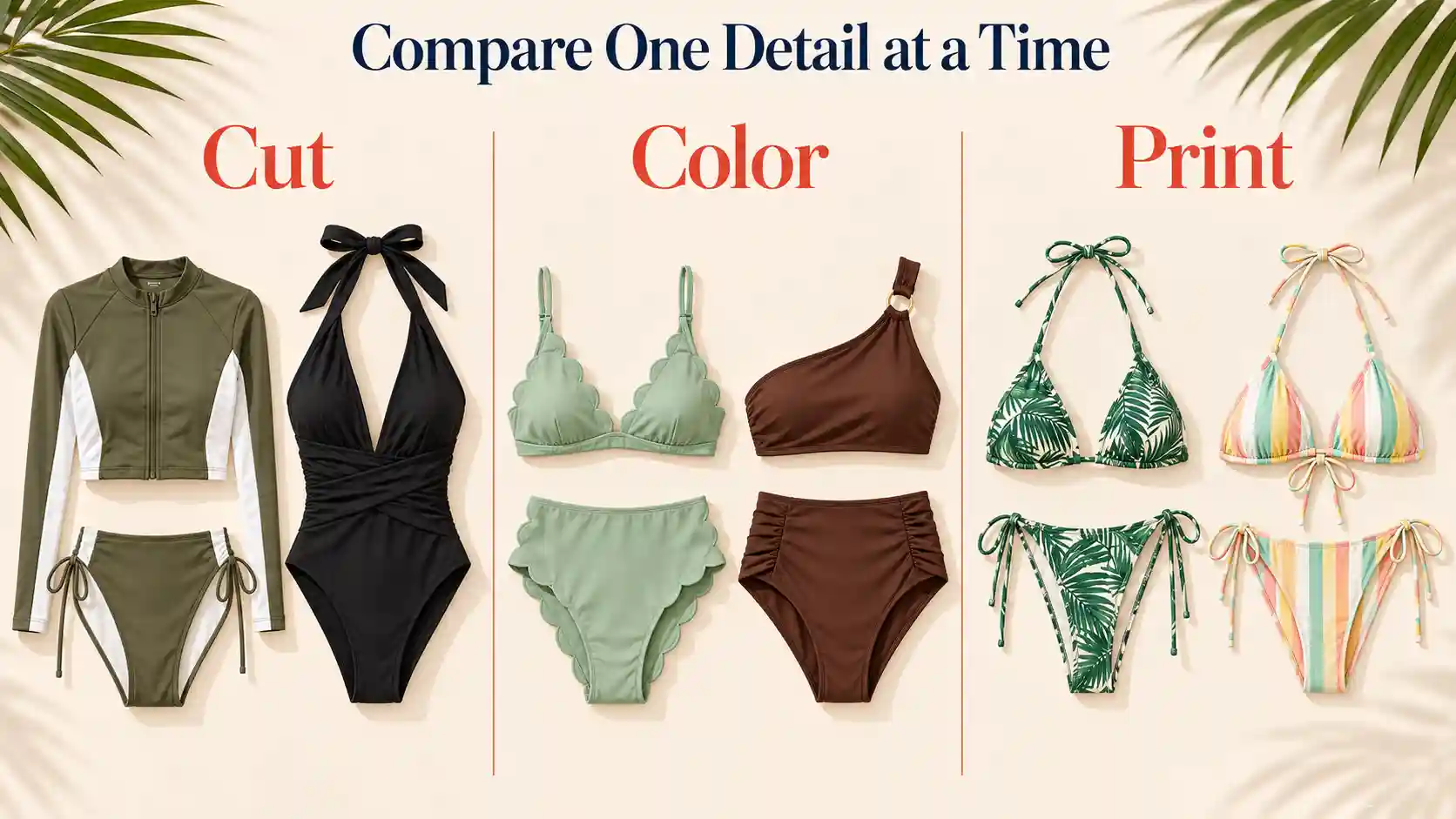
To compare bikini styles with AI, reuse the same source photo and keep unrelated details consistent. A small set of focused variations is easier to evaluate than several completely different images.
Compare | Keep consistent | Look for |
Cut | Color, pose, and background | Neckline, straps, and waistband placement |
Color | Swimsuit design and lighting | How the color works with your overall look |
Cut and base color where possible | Pattern scale, placement, and visual balance |
Compare Different Cuts
Try two or three designs that interest you, such as a high-waisted set, a halter style, or a sporty two-piece. Using references in a similar color makes the differences in shape easier to see.
Preview a navy high-waisted bikini with a simple halter top. Keep my appearance, pose, and background consistent with the source photo.
Use the preview to explore your preferences, rather than treating a particular cut as a rule for your body type.
Try Different Swimsuit Colors
Keep the design the same and compare a few distinct options, such as navy, coral, and sage green. Preserve the lighting so it does not become the main reason one version looks different.
Change only the swimsuit color to sage green. Preserve its cut and texture, and keep the person and scene consistent.
Explore Prints and Patterns
Compare a solid version with a small floral print or simple stripes. Inspect whether the pattern follows the garment naturally, especially around seams and edges.
Use a small white floral print on the navy bikini. Keep the same cut, person, pose, and background.
These prompts are starting points. Review each output against your original photo and swimsuit reference before deciding which look you prefer.
Step 5: Check and Refine Your Try-On Results
A useful preview should still look like you.
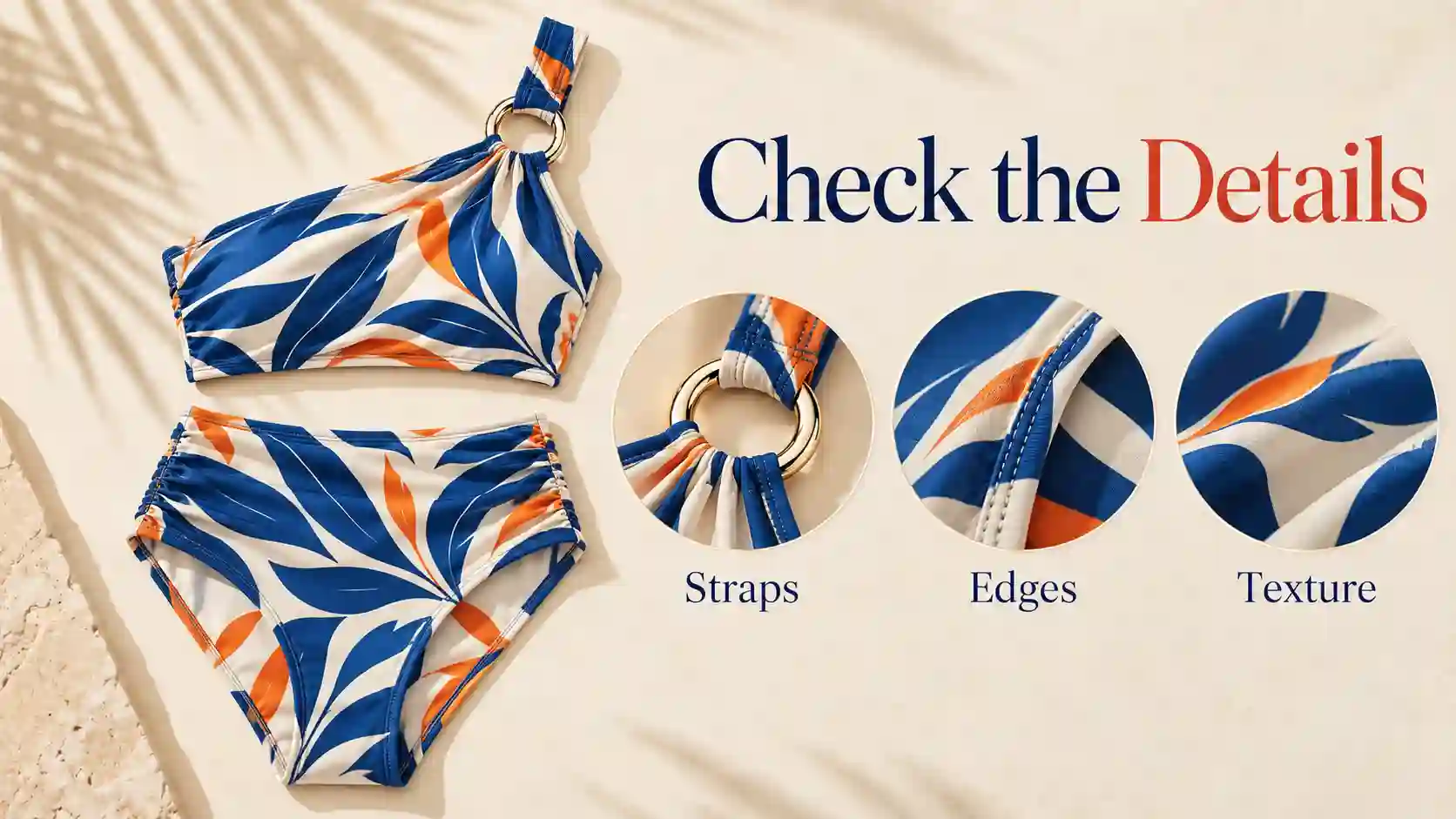
Before downloading, compare the result with your original image. Focus on the person as well as the swimsuit.
Your face or body proportions changed.
Return to the original photo and reduce the number of requested changes. Ask for the swimwear edit only, keeping appearance, pose, and background consistent. Discard results that noticeably reshape you.
Straps, edges, or prints look wrong.
Try a clearer garment reference with the full design visible. Remove conflicting descriptions and inspect the next result for connected straps, consistent edges, and recognizable details.
Hair or hands overlap the swimsuit unnaturally.
Use a source photo with less obstruction around the clothing area. This is often a better starting point than repeatedly adding instructions to a difficult image.
The background or lighting changed too much.
Remove scene and mood requests. Keep the first comparison in the original setting; explore beach or pool backgrounds separately once you have a look you like.
For realistic AI swimsuit previews, prioritize a believable result over a dramatic transformation. AI can invent details hidden by your original clothing, so the image is not a reliable representation of your underlying body or the garment’s physical fit. Check the retailer’s size chart, materials, and support details before buying.
Preview Your Next Swimwear Look
Start with your own photo and one swimsuit you want to explore.
Compare a few focused variations, keep the results that still look like you, and use them to narrow down your visual preferences.
Try AI Bikini Generator Online
AI Bikini Try-On FAQs
Can I Use a Swimsuit Photo from an Online Store?
Where you have permission to use it, a clean product image can serve as a reference.
Crop out interface elements and unrelated items. Keep the original listing available to check details the AI may simplify; using a reference does not automatically grant rights to publish it.
Can I Preview a Bikini Top and Bottom in Different Colors?
Yes, you can request separate colors in the optional prompt.
For example: “Use a navy bikini top and coral bottoms.” Check that the colors were applied to the correct pieces and that the intended design remains recognizable.
Do I Need to Wear Swimwear in My Original Photo?
No. A clear, ordinary clothed photo can be the starting point.
Choose one that shows your pose and the area you want to preview without heavy obstruction. You do not need to upload an intimate photo.
Should I Reuse the Original Photo for Every New Style?
Yes. Starting from the same original helps make comparisons clearer and reduces the risk of carrying changes from one generated image into the next.
Keep your preferred prompts so you can reuse the same instructions with another swimsuit reference.