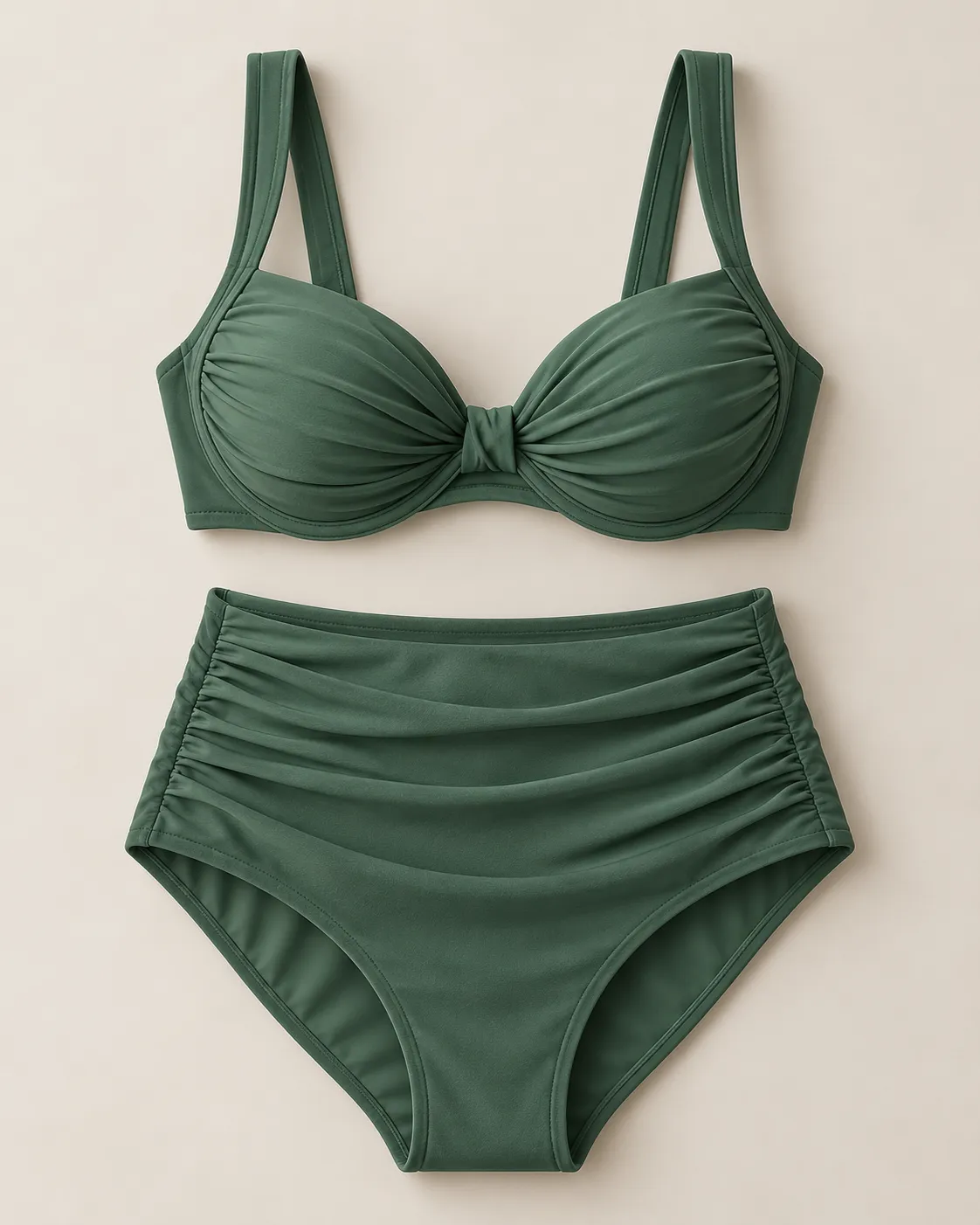
Explore a higher waistline with different top pairings, colors, and retro or modern styling.
AI PHOTO TRANSFORMATION
Turn Your Photo into a Bikini Look with AI
Upload a clear photo of an adult and create a personalized swimwear image with AI. Choose a bikini style, adjust the color or setting, and explore a new look without manual photo editing.
Only upload photos you own or have permission to use. All pictured people must be adults.
Three simple steps
Create an AI Bikini Photo
- 01
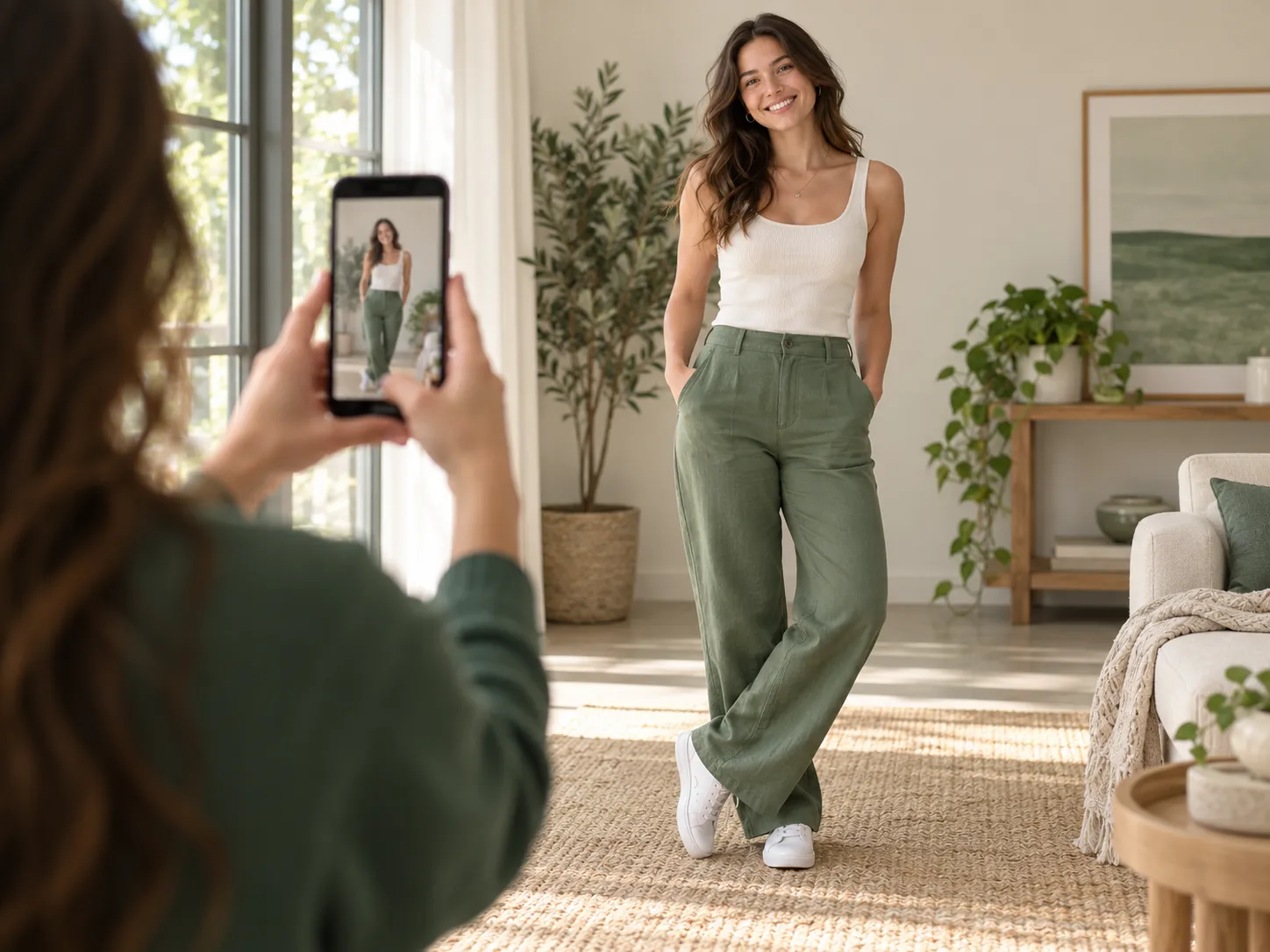
Upload Your Photo
Choose a clear full-body or three-quarter photo with one visible adult. Natural lighting, a relaxed pose, and limited obstruction around the torso and hips usually provide the best starting point.
- 02
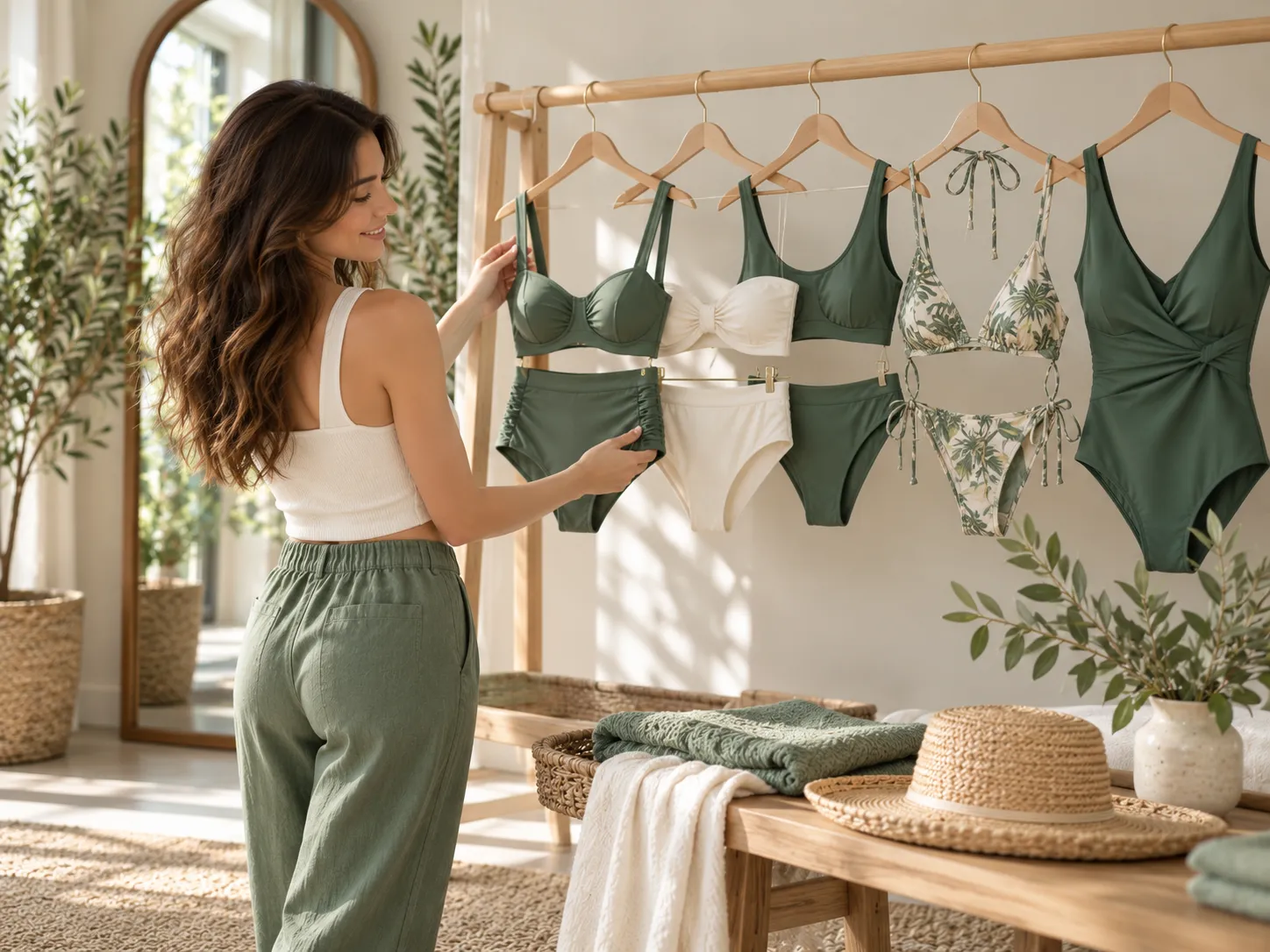
Choose a Bikini Style
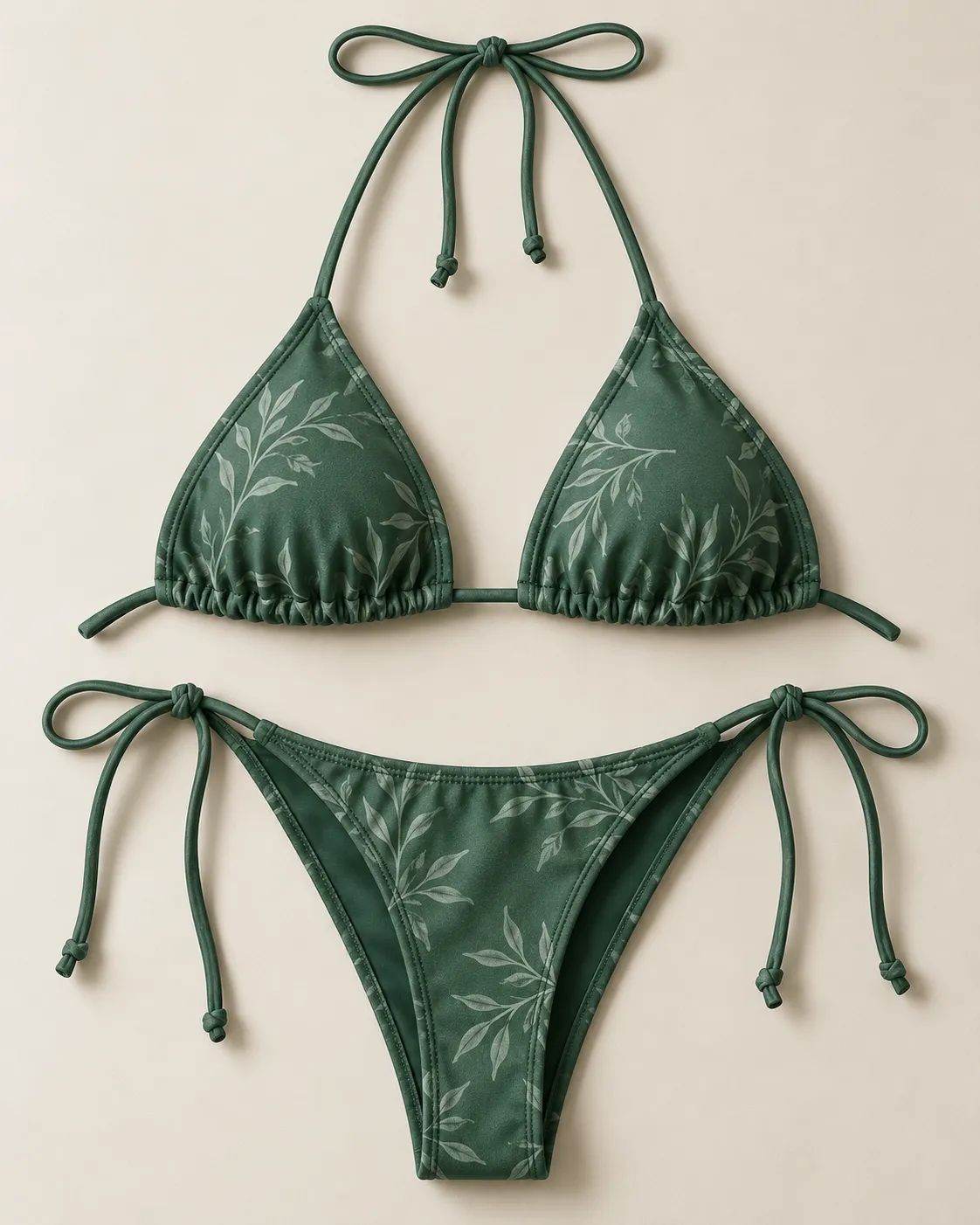
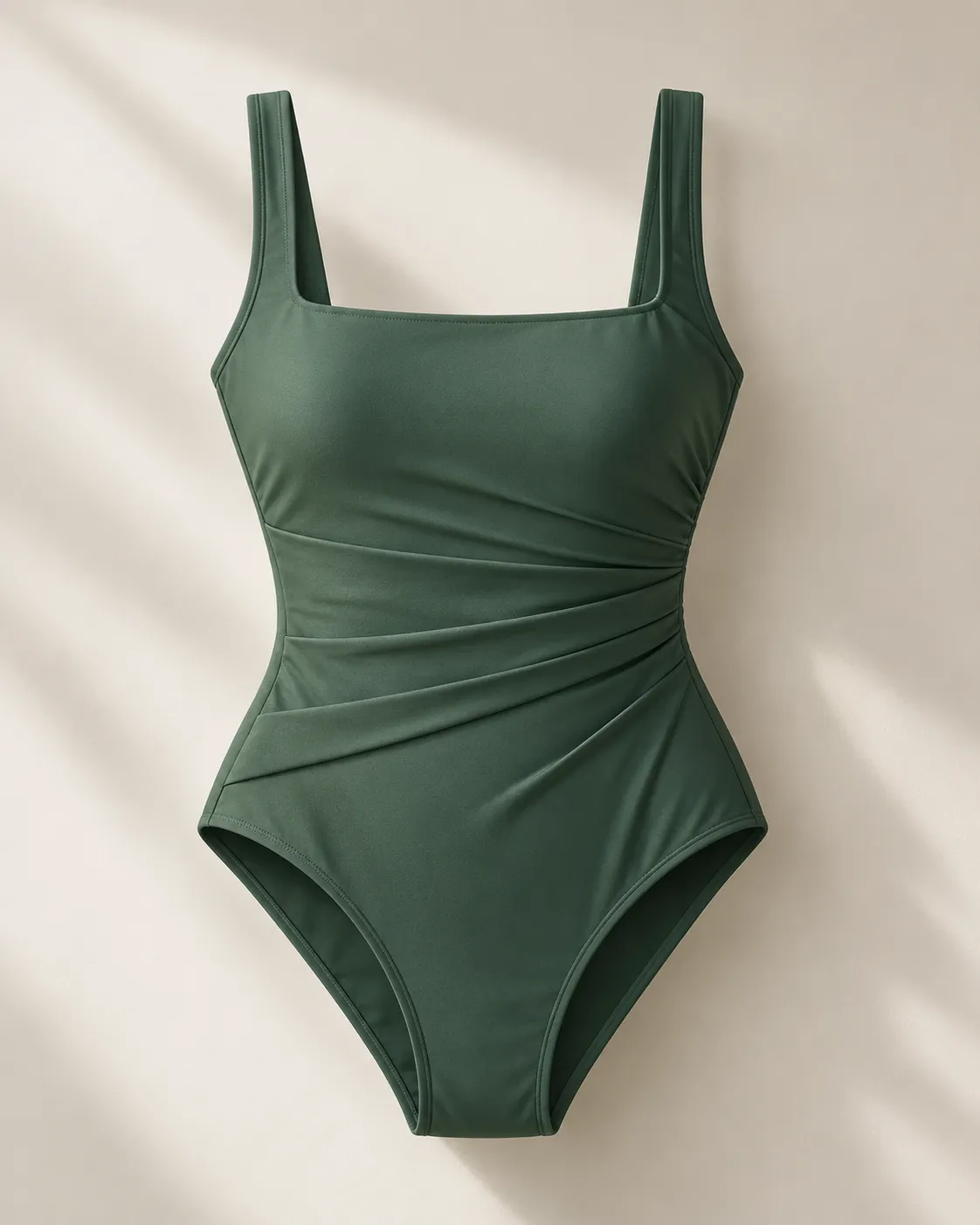
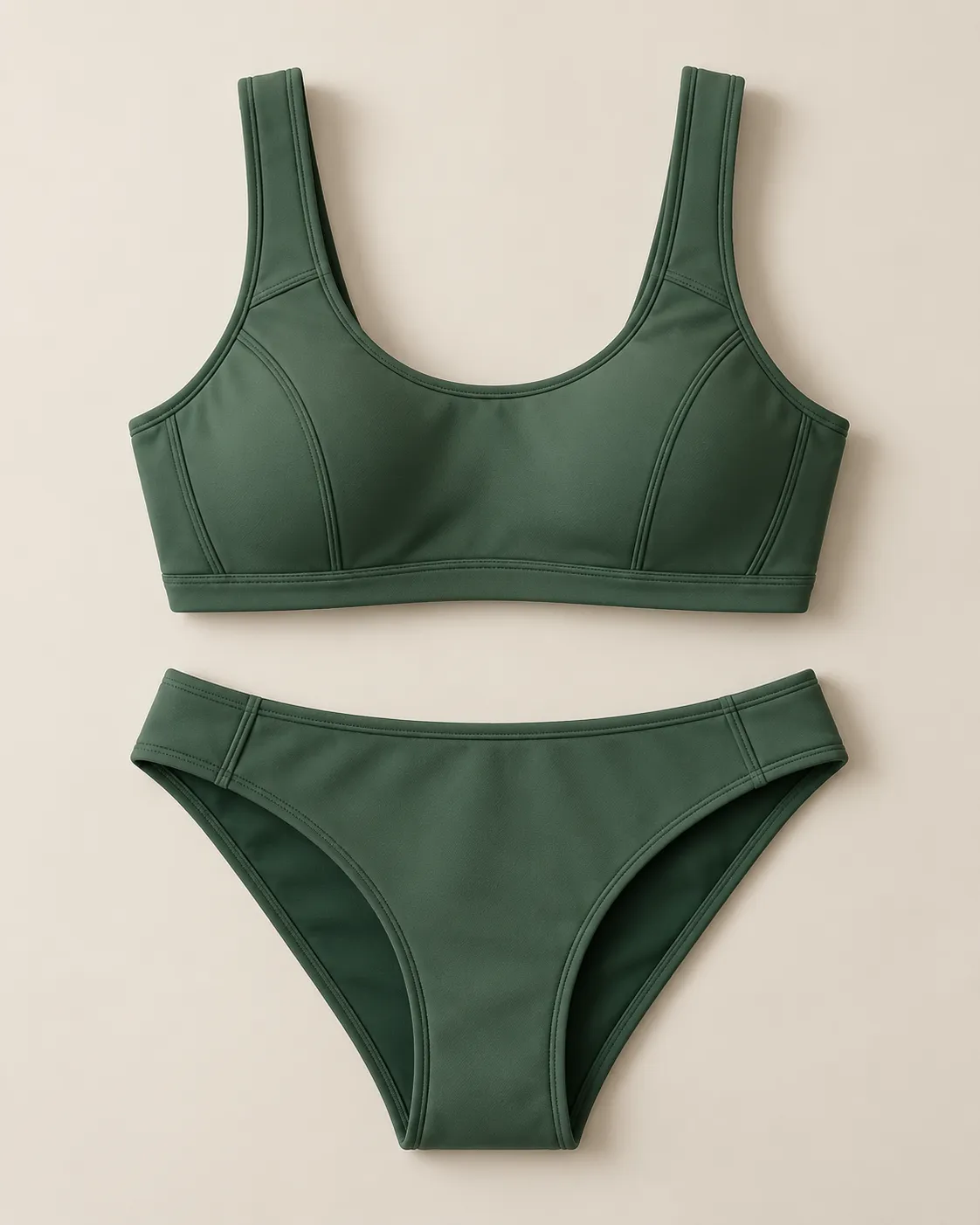
Start with a high-waisted, bandeau, sporty, string bikini, or one-piece swimsuit preset. You can also add a short description for the color, pattern, fabric, or setting you want.
- 03
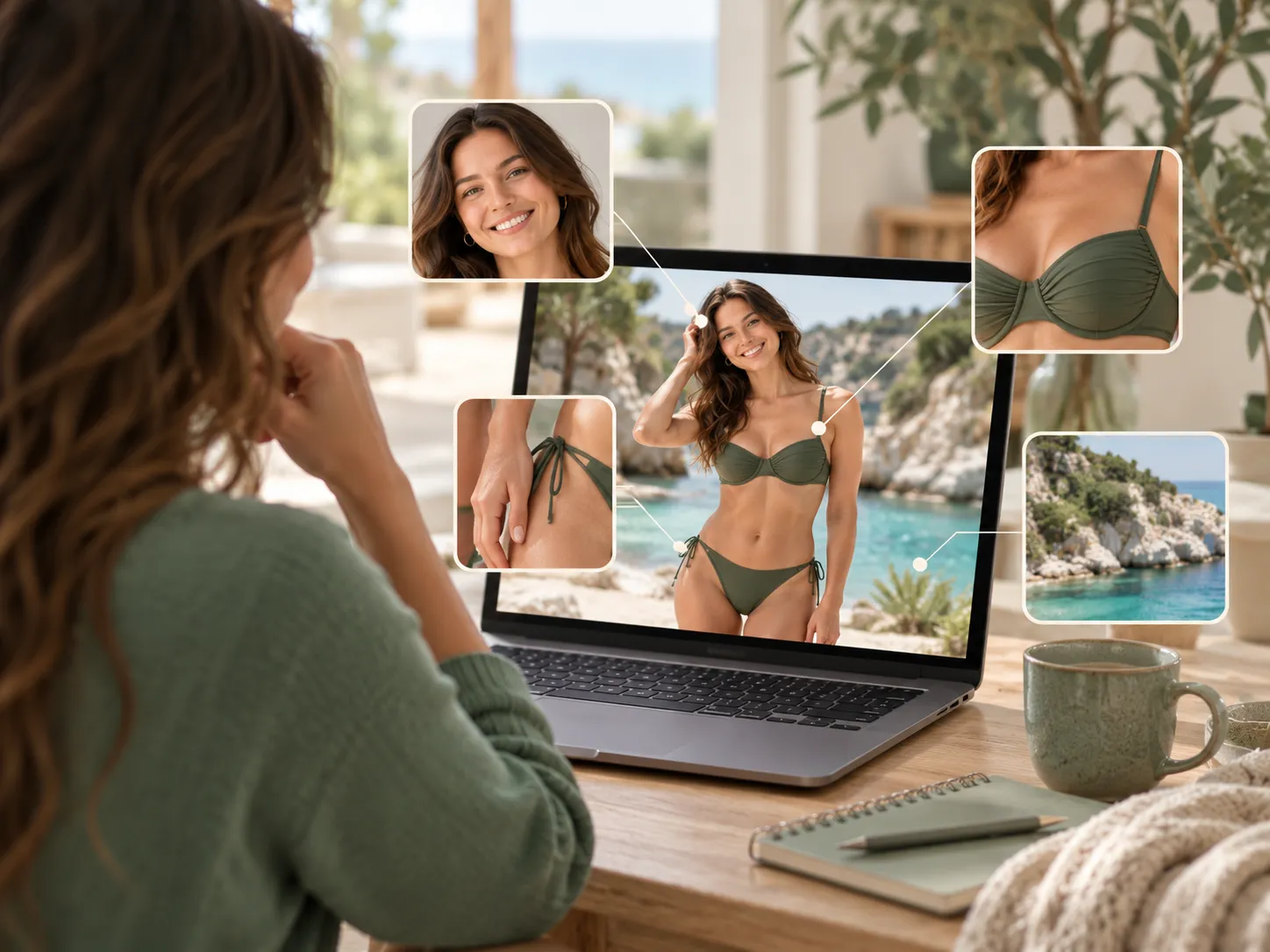
Generate Your Image
Create your first result and open the full image to inspect the face, swimwear details, hands, lighting, and background. Adjust one choice at a time if you want to refine the look.
Find your direction
Choose Your Swimwear Direction
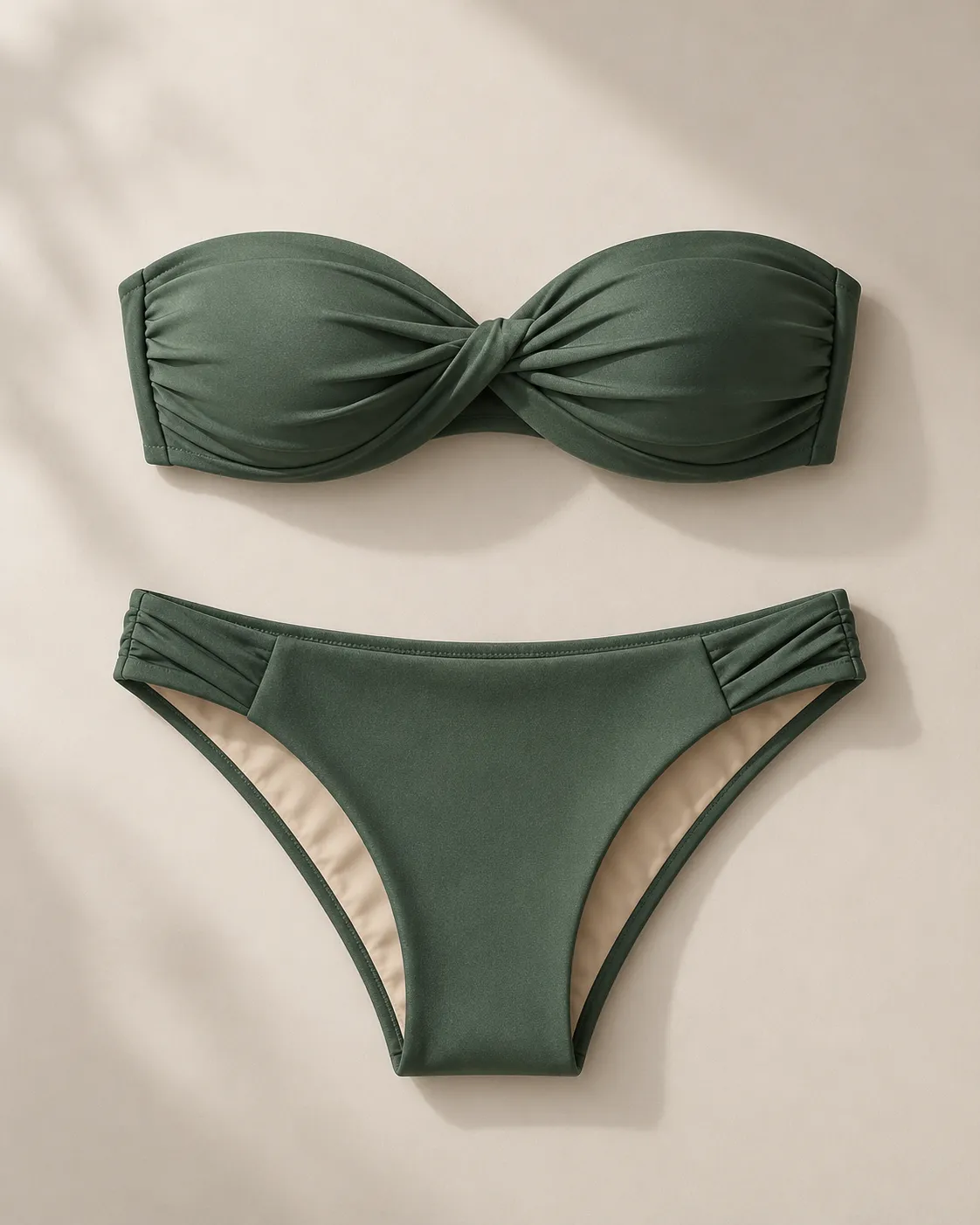 01 / 05
More than a filter
Create More Than a Simple Bikini Filter
The Photo to Bikini AI tool uses your photo as the visual starting point for the new image. It can create a coordinated swimwear concept while following the person, composition, lighting, and background shown in the source.
Make the idea yours
Use it to:
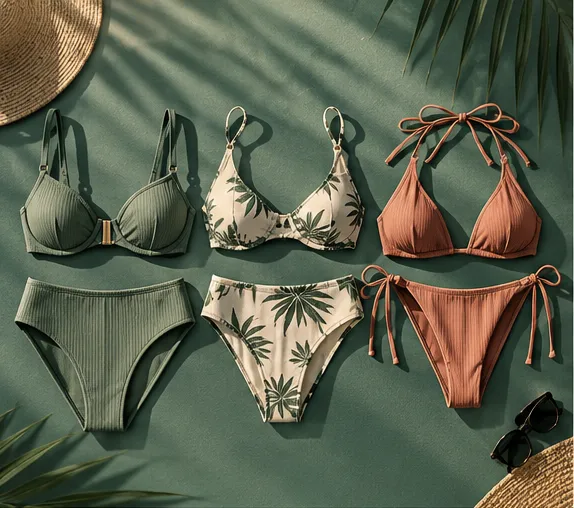
Generated images are creative visualizations. They do not confirm real-world size, support, coverage, comfort, or physical fit.
Make the most of your photo
How to Get a Better Result
Show Enough of the Body
Use a full-body or head-to-knee photo when you want to show the complete swimsuit. A waist-up photo is more suitable for comparing tops and necklines.
Keep the Pose Simple
A natural standing pose gives the AI clearer information about the body, arms, waist, and surrounding space.
Use Clear Lighting
Even lighting helps the generated swimwear follow the highlights and shadows already present in the photo.
Change One Detail at a Time
Keep the same photo while comparing colors or cuts. This makes it easier to understand what changed between results.
Choose the right workflow
Photo to Bikini or Bikini Try-On?
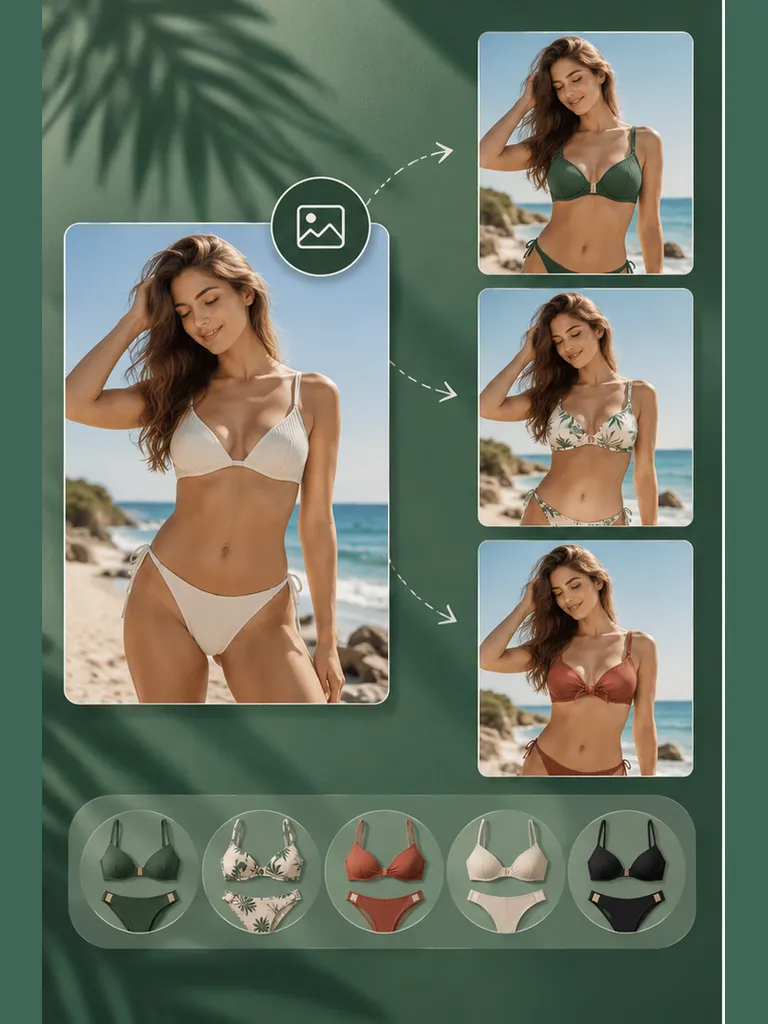
Photo to Bikini AI
Use Photo to Bikini AI when you want to begin with one photo and explore presets or a written style idea.
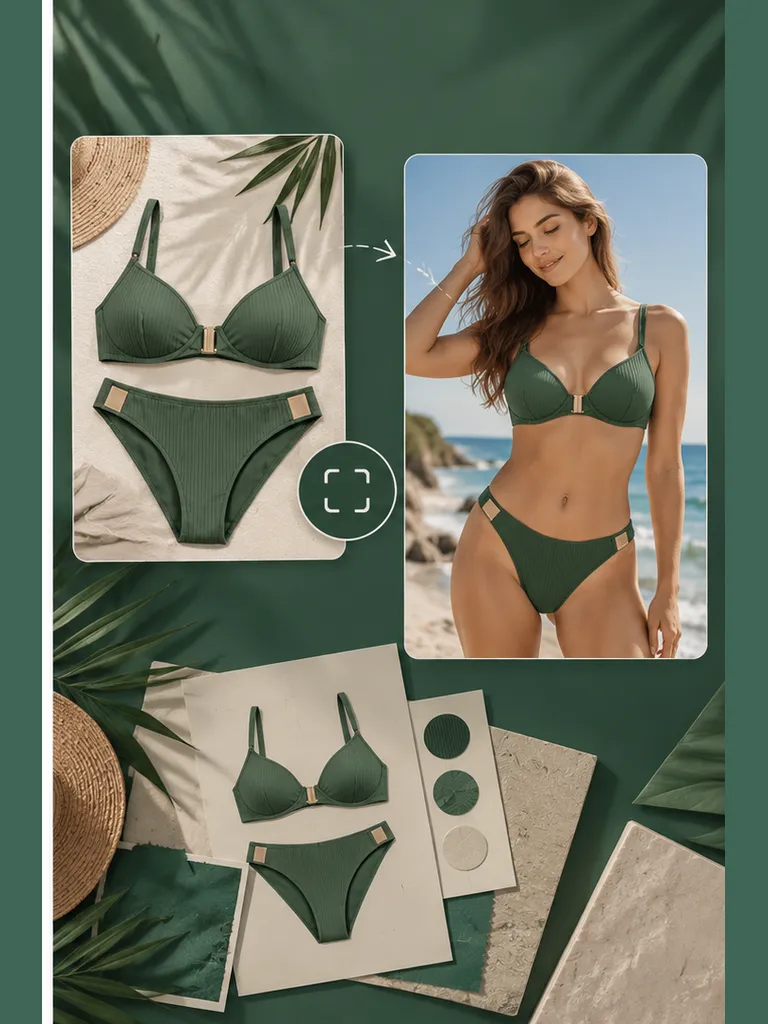
AI Bikini Try-On
Use AI Bikini Try-On when you already have a specific swimsuit image and want that reference to guide the generated result.
Good to know
Frequently Asked Questions
What is a photo to bikini AI tool?
+
It is an AI image tool that creates a swimwear version of an authorized adult photo. You can choose a preset or describe the bikini style you want to explore.
Do I need a full-body photo?
+
No. Use a photo that shows the part of the swimwear look you want to create. Full-body and three-quarter photos provide more room for a complete outfit.
Can I choose the bikini color and style?
+
Yes. Select an available style and add a short description for details such as color, pattern, fabric, or setting.
Can I use a specific swimsuit image?
+
For a specific garment reference, use the AI Bikini Try-On workflow. The Photo to Bikini tool is designed primarily for presets and described style ideas.
Will the image show the swimsuit’s real fit?
+
No. The output is a visual concept. It cannot determine size, physical support, fabric behavior, comfort, or actual fit.
Whose photos can I upload?
+
Upload your own photo or an adult photo you have permission to use. Do not upload images of minors or use another person’s image without consent.
Start with one photo
Create Your AI Bikini Photo
Upload one photo, choose a swimwear direction, and generate a personalized visual in a few simple steps.
Turn Your Photo into a Bikini Look